How Tagoye works
Let people reach you.
Keep your number private.
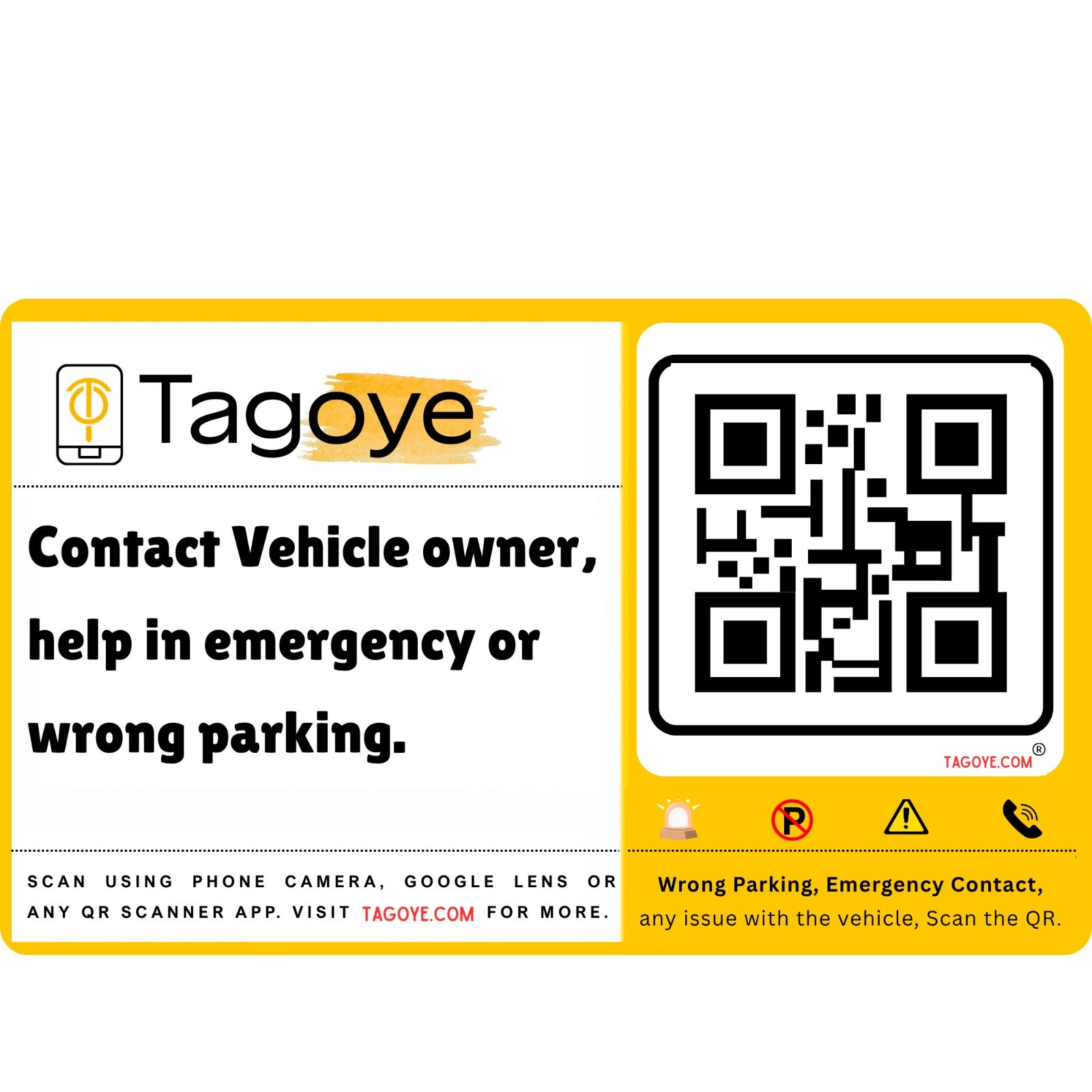
Tagoye is a QR tag for your car or bike. Someone scans it to contact you through Tagoye, instead of reading your phone number from a slip on your vehicle.
No Tagoye app needed for the person scanning.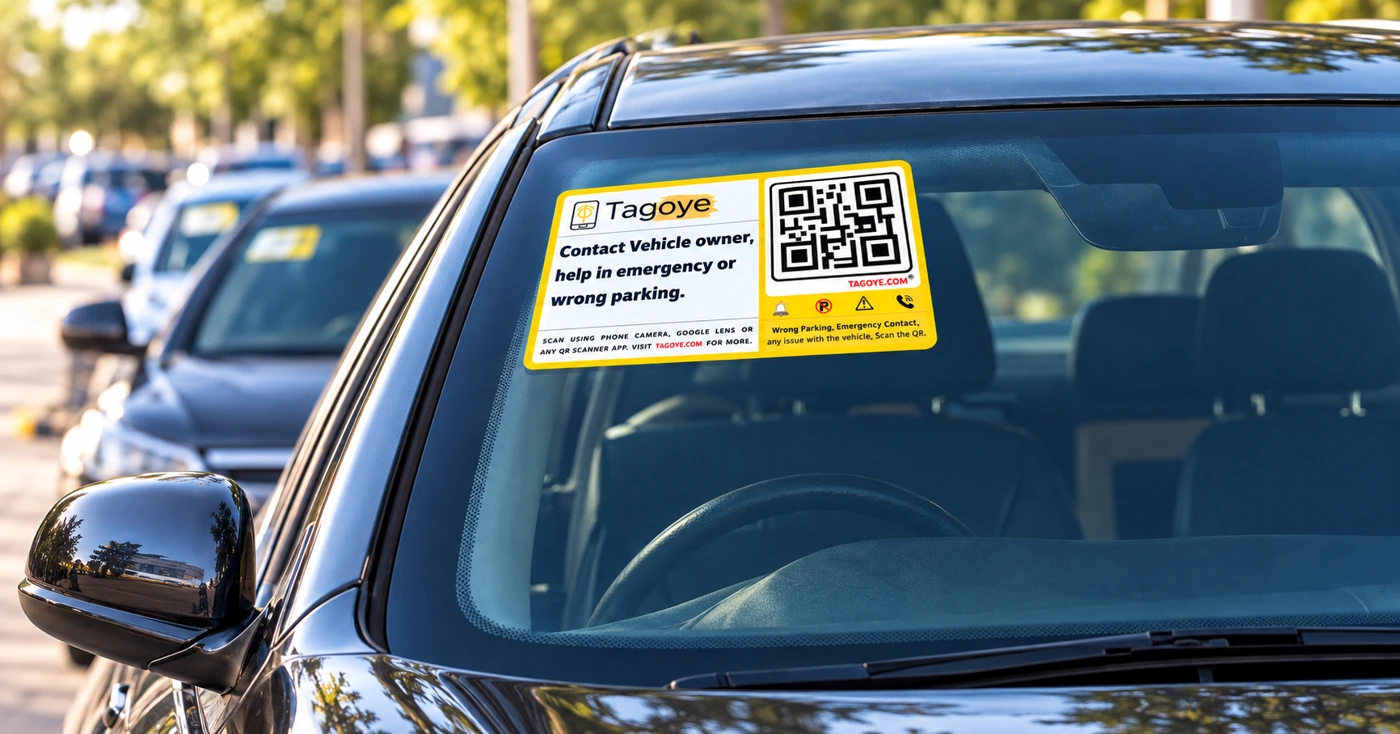
For the vehicle owner
Get your tag ready.
Before you rely on the tag, check that it reaches the right phone.
Check the tag is linked to you.
Scan your tag and follow its activation instructions. If it was already linked when you ordered, confirm your contact details with Tagoye support.
Place it where the QR can be read.
Follow the installation instructions. Choose a clean, visible spot on your car or bike that someone outside can scan, without blocking your view.
Try it with another phone.
Ask someone to scan the tag and use an available contact option. Check that the call or message reaches you and that your personal number is not displayed on the contact page.
Keep the QR visible and uncovered. If the test does not work, ask support before relying on the tag.
For the person scanning
Need to reach the vehicle owner?
For example, a car is blocking your gate or its lights have been left on.
Scan the QR code.
Open your phone camera and point it at the tag. If your camera does not recognize it, try Google Lens or a QR scanner.
Tap the link and choose how to contact.
A Tagoye contact page opens in your browser. Choose an available call or message option and explain the issue.
The owner receives your contact.
Tagoye routes the call or message to the owner's linked contact details. The owner can respond when available.
Scanning does not automatically make a call. You choose the contact option after the page opens. Options depend on the tag and available features.
A simple example
A car is blocking your gate.
This shows the idea. It is not the live Tagoye screen and does not send a real call or message.
AFTER SOMEONE SCANS
Contact the vehicle owner
Example only. No real contact is made.
WHAT HAPPENS NEXT
The contact goes through Tagoye.
The person scanning chooses a call or message option. Tagoye uses the owner's registered contact details to route it, without displaying the personal number on this example contact page.
The privacy part
Your tag is a contact link.
It is not a printed phone number.
Masked contact is designed to hide your personal number from the person scanning. Tagoye and its communication providers still need to process your number to connect calls or messages.
Information you add to public fields or share in a message can still be seen. Keep passwords, OTPs, and private documents out of public contact details.
Read the Privacy PolicyStill wondering?
The useful questions.
Does the person scanning need the Tagoye app?
No Tagoye app is needed to scan and open the contact page. A phone camera, Google Lens, or a QR scanner can open the link in a browser.
Does scanning the QR automatically call me?
No. Scanning opens a contact page. The person then chooses an available call or message option.
What if my tag is already activated?
Confirm that your account has the correct contact details, then test the tag with another phone. If anything is unclear, contact support.
Does it need internet or a mobile network?
The person scanning needs internet to open the contact page. Calls need a working phone network. Online notifications and messaging also depend on internet access and the service being used.
Is website and app access free?
Access linked to your purchased and activated product is lifetime free, with no recurring subscription fee for normal account access. Eligible physical tags and printed cards have 1-year free replacement. See the Terms & Conditions.
Can I rely on Tagoye in an emergency?
Tagoye may help someone contact a vehicle owner. It is not an emergency response service and does not guarantee a reply. For urgent police, ambulance, fire, or rescue assistance, contact the appropriate service directly.
A clearer way to be contacted.
Get your tag, check the setup, and try a scan.